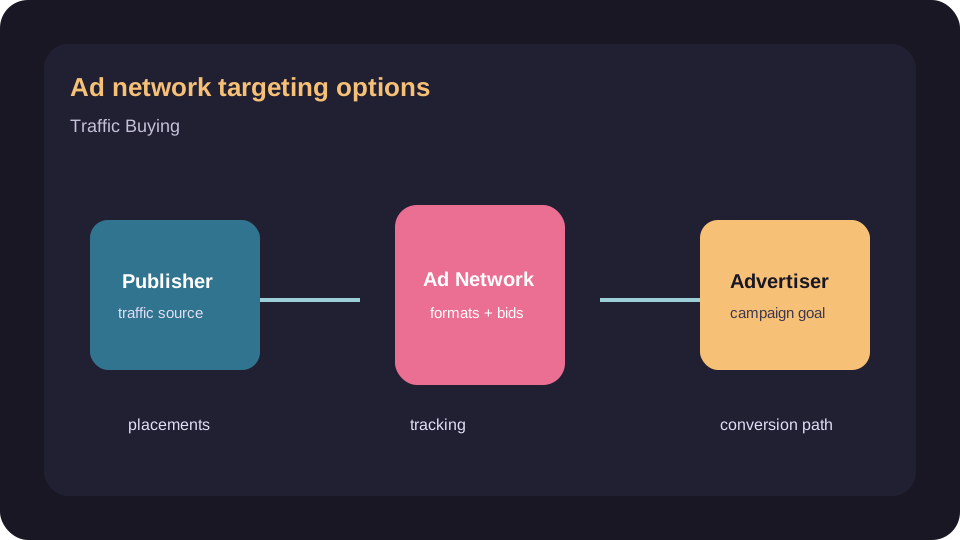
Why targeting decides the result
Targeting is how you spend budget only on the users worth reaching. On pop, push, in-page push and native inventory, the same offer can succeed or fail purely on who sees it, so the targeting controls are among the most important settings in any campaign. Getting them right early prevents most wasted spend.
The core targeting controls
| Option | What it controls | Use it to |
|---|---|---|
| GEO | Country, region, sometimes city | Match offers to where they convert |
| Device and OS | Mobile, desktop, operating system | Fit the offer to how users act |
| Browser | The user browser | Filter for offer compatibility |
| Connection | Wi-Fi vs carrier, sometimes carrier name | Target app installs and carrier offers |
| Frequency | How often one user sees the ad | Protect budget and experience |
| Source | Individual placements or zones | Cut what loses, scale what wins |
Start narrow, then widen
The reliable pattern is to begin tightly targeted: one or two GEOs, defined device and OS, a firm frequency cap. Narrow targeting produces cleaner data and prevents a broad campaign from spending on segments that were never going to convert. Once a setup proves out, widen one dimension at a time so you can see what each expansion actually adds.
Source-level targeting is where campaigns are won
Beyond the obvious filters, the deepest lever is source or zone targeting: the ability to keep the individual placements that convert and blacklist those that do not. Most of the optimisation gain on interruptive traffic comes from this, which is why source-level reporting and postbacks matter more than any single upfront setting.
Ready to compare options?
Open the tracked provider page after matching the offer to ad network targeting requirements.